Why your website is slow, and how to find the cause
Most slow sites are slow for a few findable reasons, and hosting is often not the main one. How to diagnose yours, with two rebuilds as worked examples.
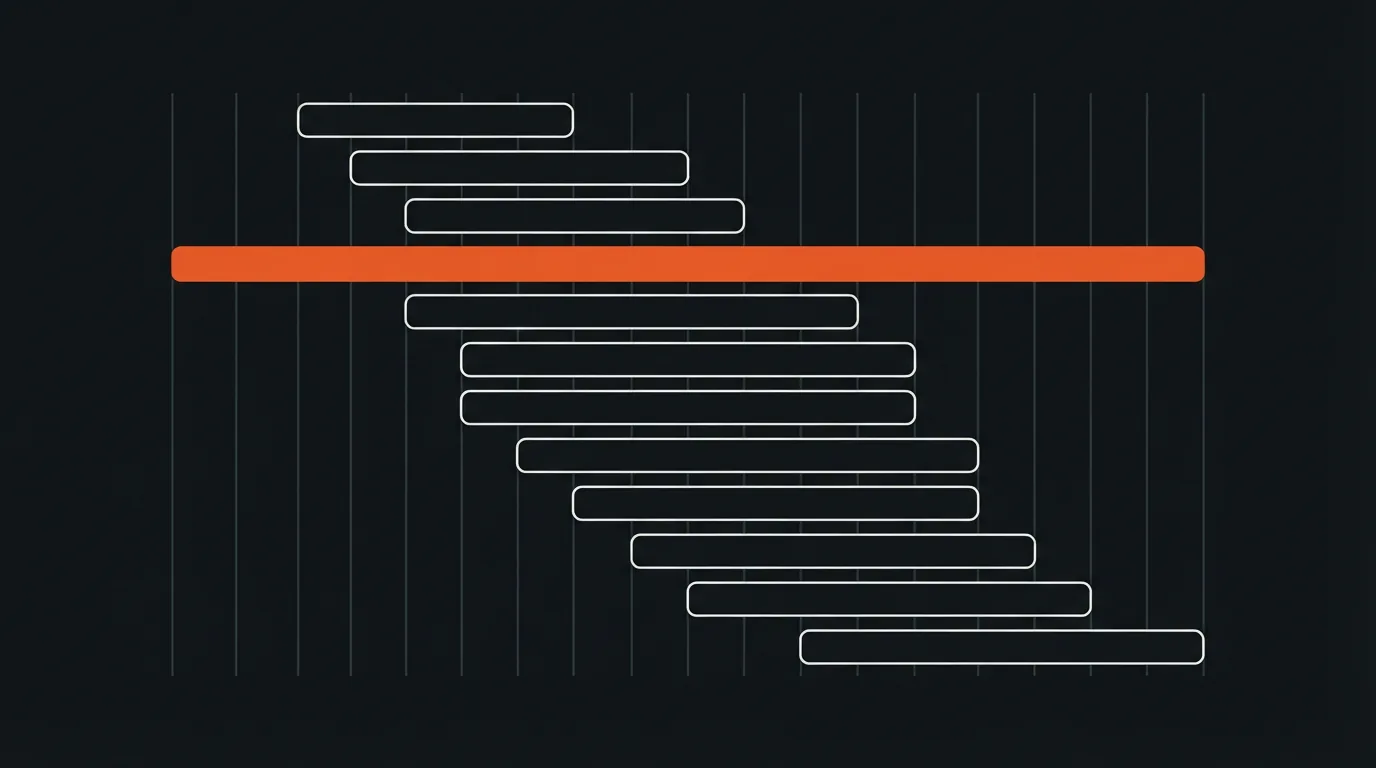
A website is usually slow because the browser is made to download too much before it can show anything, or to wait on the wrong things first. Oversized images, scripts that stop the page from drawing, and third-party tags loaded ahead of the content cause most of it. Hosting matters, but on most small business sites it is not the main cause, and you can find the real one with free tools.
Here is how to measure it properly, the usual causes in the order worth checking, and what two rebuilds changed.
Measure before you change anything
Run the page through Google's PageSpeed Insights and look at mobile first, because that is where most sites are slowest and where Google measures. The report shows two kinds of data. Field data comes from real visitors in Chrome over the past month, and it is what counts. Lab data is a single simulated test, useful for finding causes but not for judging the result.
The three numbers to watch are the Core Web Vitals. Largest Contentful Paint measures how long the main content takes to appear, and good is under 2.5 seconds. Interaction to Next Paint measures how quickly the page responds to a tap or click, and good is under 200 milliseconds. Cumulative Layout Shift measures how much the page jumps around while loading, and good is under 0.1.
Usually the first culprit: images
The largest element on most pages is an image, often a hero photo uploaded straight from a camera or stock site at several times the size it is displayed. Serve images in a modern format such as WebP or AVIF, at the size they actually appear, and compressed. Lazy-load images further down the page so they only download when needed.
Do not lazy-load the main image at the top. It is usually the Largest Contentful Paint element, and delaying it makes the most important number worse. This one setting catches out a surprising number of sites that have otherwise been optimised.
Scripts that stop the page from drawing
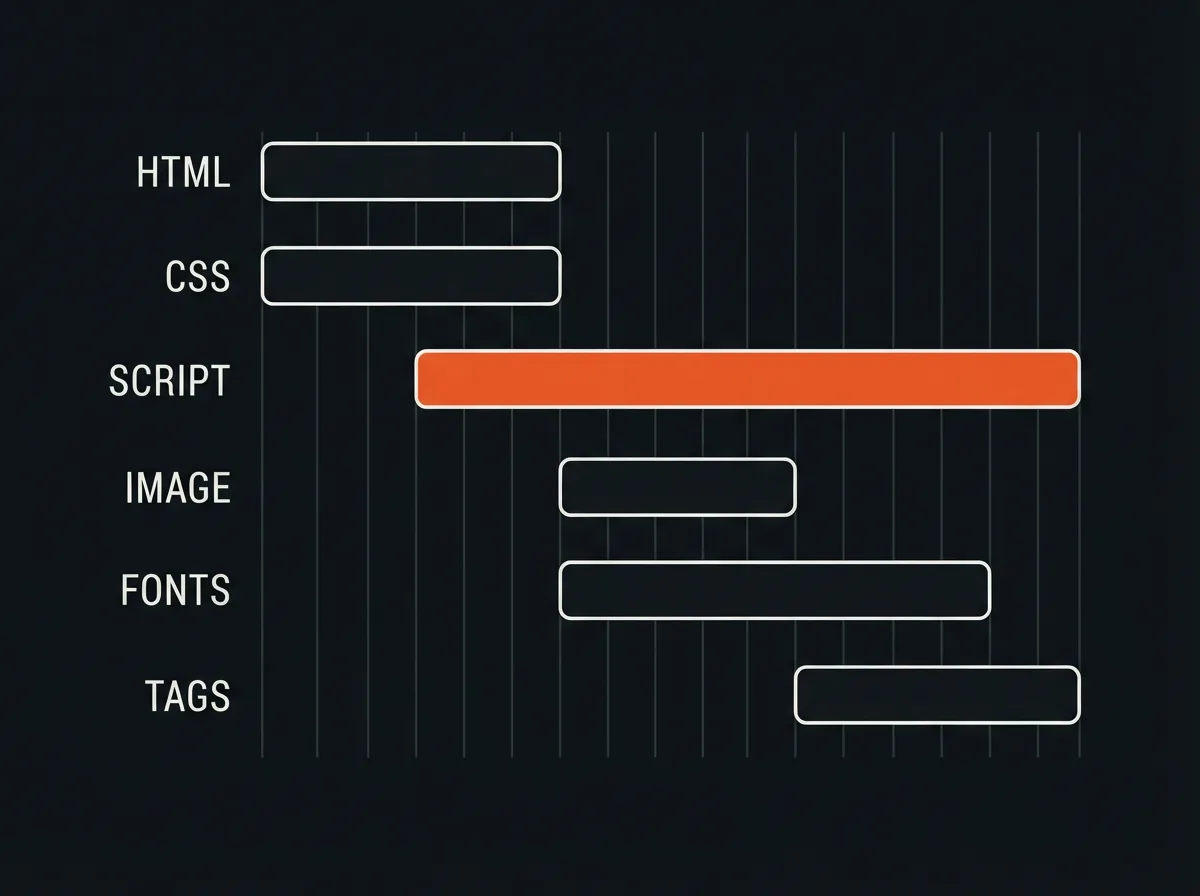
When the browser meets a script or stylesheet at the top of a page, it can pause drawing until that file has downloaded and run. A page with several of these, often added by themes and plugins, sits blank while they load. The fixes are to defer scripts that are not needed immediately, remove the ones that are not needed at all, and inline the small amount of styling the top of the page needs.
This was the problem at AMN Engineering. Their site was mostly static text and one hero image, yet it took 3.4 seconds to load because render-blocking scripts and unoptimised assets pushed the main content past three seconds. The rebuilt site loads in 0.8 seconds, with the main content appearing in under a second on a 4G connection.
Third-party tags and fonts
Chat widgets, analytics, advertising pixels, heatmaps, and embedded social feeds each load code from someone else's servers, and each adds time you do not control. Audit them. Remove what nobody looks at, and load the rest after the page content has appeared rather than before it.
Web fonts are a quieter cost. Loading four weights of two families from a font service can delay text appearing. Host the fonts yourself, load only the weights you use, and let text show in a fallback font while the custom one arrives.
When hosting really is the problem
Hosting is the cause when the server itself is slow to respond, before any image or script is involved. PageSpeed Insights reports this as Time to First Byte in the field data. If it sits consistently above about 0.8 seconds, the server is the bottleneck: cheap shared hosting, no caching, or a server far from your visitors. A content delivery network and page caching usually fix it without a full move.
If the server responds quickly and the page is still slow, better hosting will not help much. That is the common trap: paying for an upgrade that leaves the real cause untouched.
What two rebuilds changed
Besides AMN, White Spaces, an architecture and construction firm, had an old site that loaded in 4.2 seconds and undersold a strong portfolio. The rebuild brought it to 0.9 seconds. Neither project relied on a trick. Both came down to sending less to the browser, in the right order, from a fast server.
Speed matters for more than patience. Page experience, including Core Web Vitals, is one of the signals Google uses in ranking, though relevance counts for more. And AI crawlers read the HTML a server sends and most do not run JavaScript, so a site that assembles its content in the browser can be invisible to them, a point we covered in being quotable by a model. Speed and structure are part of every web and ecommerce build we do.
Questions
Why is my website still slow after upgrading my hosting?
Because hosting only affects how fast the server responds. If the delay comes from oversized images, render-blocking scripts, or third-party tags, a faster server leaves the real cause untouched.
How can I check my website speed for free?
Use Google's PageSpeed Insights and check the mobile results first. Focus on the field data from real visitors and the three Core Web Vitals: Largest Contentful Paint, Interaction to Next Paint, and Cumulative Layout Shift.
What is a good load time for a business website?
Aim for Largest Contentful Paint under 2.5 seconds on mobile, which is Google's threshold for good. Both business sites we rebuilt in the examples above landed under one second.
Who should build your Shopify store depends less on the hourly rate than on who owns and runs it after launch. A plain comparison, written by an agency.
Generating product copy is the easy part. Getting hundreds of listings written, checked, and uploaded without breaking the catalog is the real job.
Two stores we built went live in 11 and 12 days, and one catalog took 2. Where the weeks in a Shopify build actually go, and what shortens them.